Take a Tour of Your Managed Nightscout
Nightscout Hosting, Screenshots & Tour
This is what your Nightscout hosting on ns.10be.de looks like from the inside.
From the dashboard to server configuration, here you get an overview of the most important areas of your Nightscout server.
Dashboard, Login & Overview
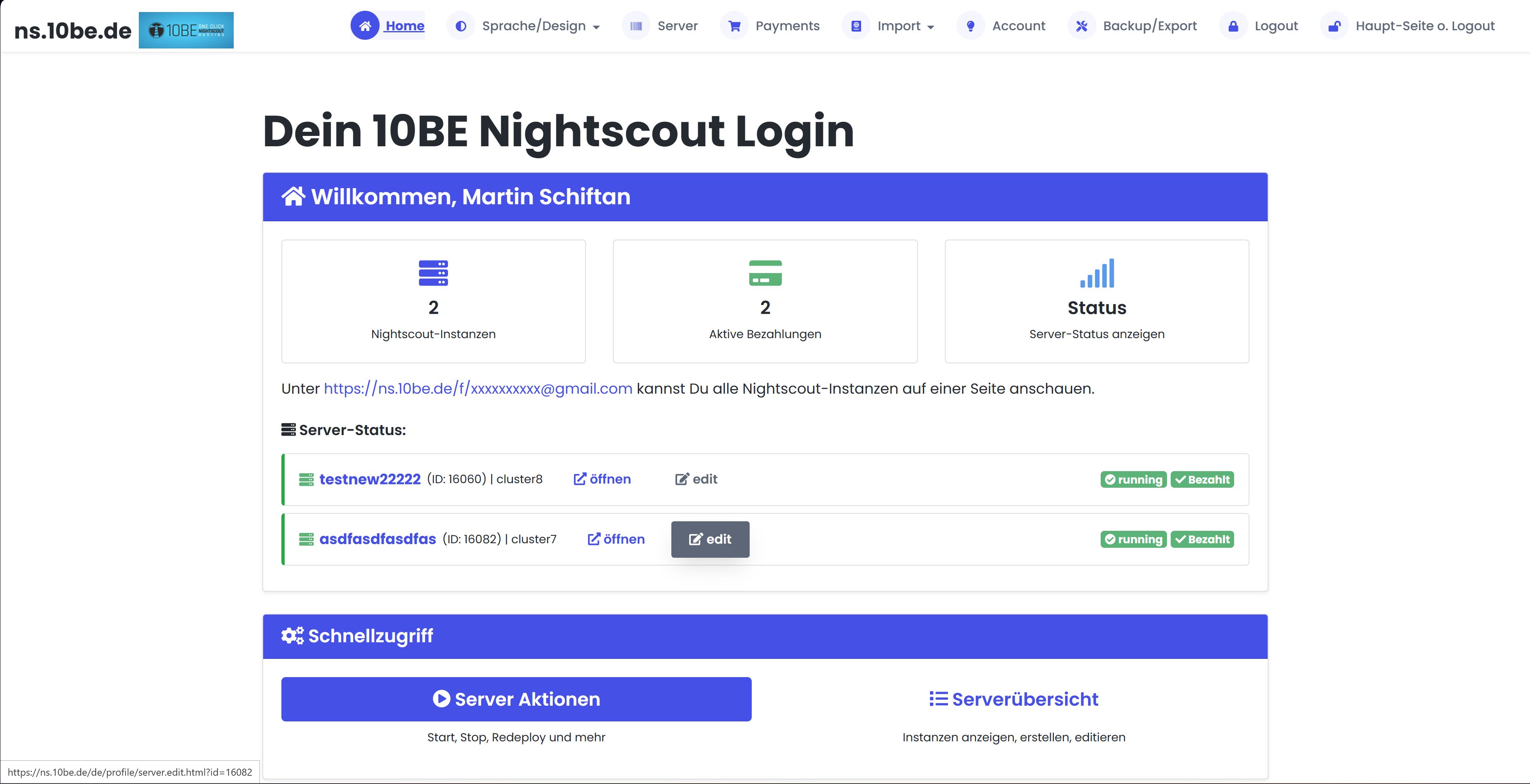
After logging in you see your dashboard with all important info at a glance:
- Number of your Nightscout servers and active payments
- Server status (running / stopped) with direct links
- Quick access to server actions and server overview
Server Overview
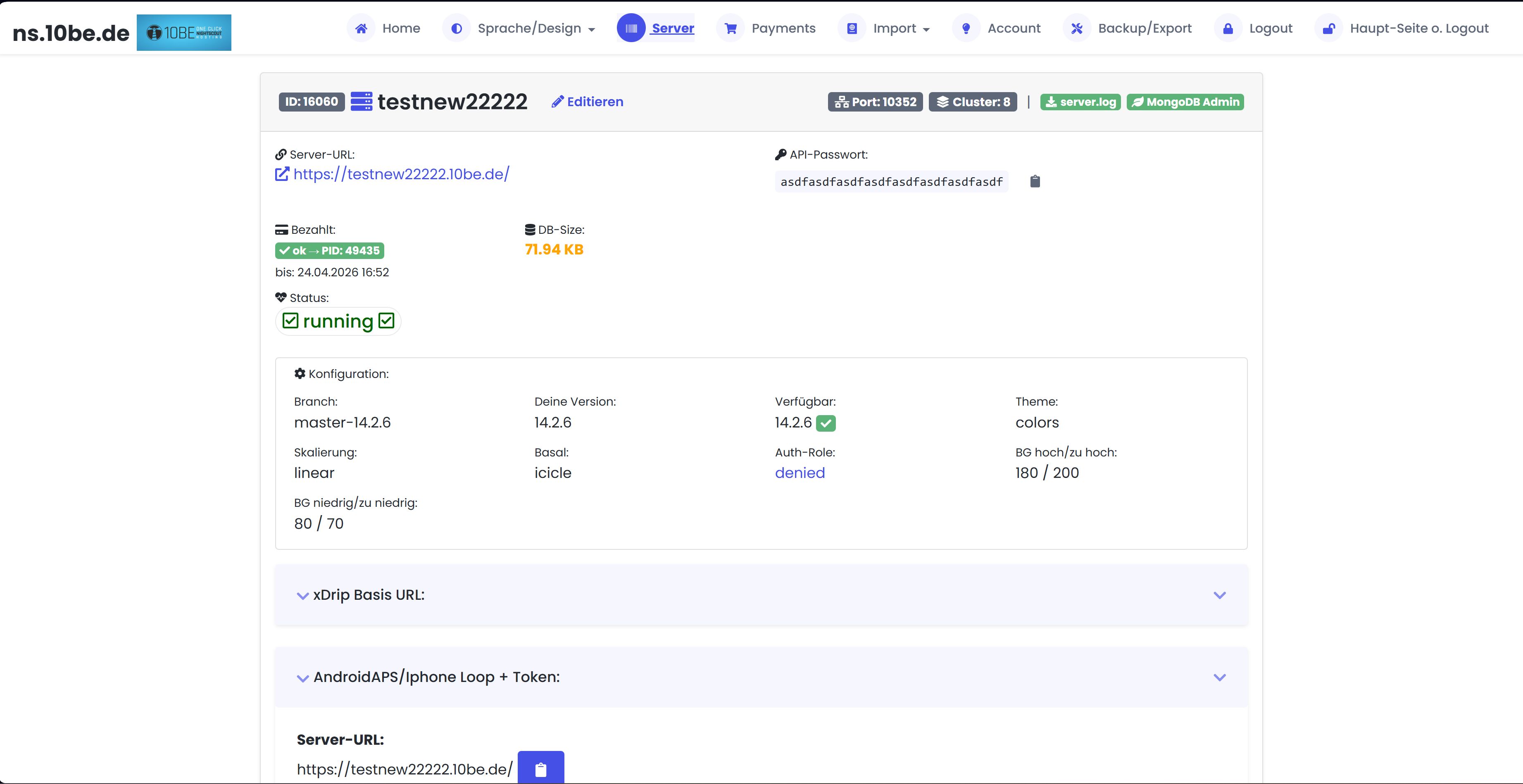
In the server overview you see all details about your Nightscout servers:
- Server URL, API password, payment status and database size
- Current Nightscout version and available updates
- Create Admin Tokens & Follower Tokens for AAPS 3.2+, Loop and xDrip+ directly
- Configuration: branch, theme, units, BG thresholds
- Direct links to server.log and MongoDB Admin
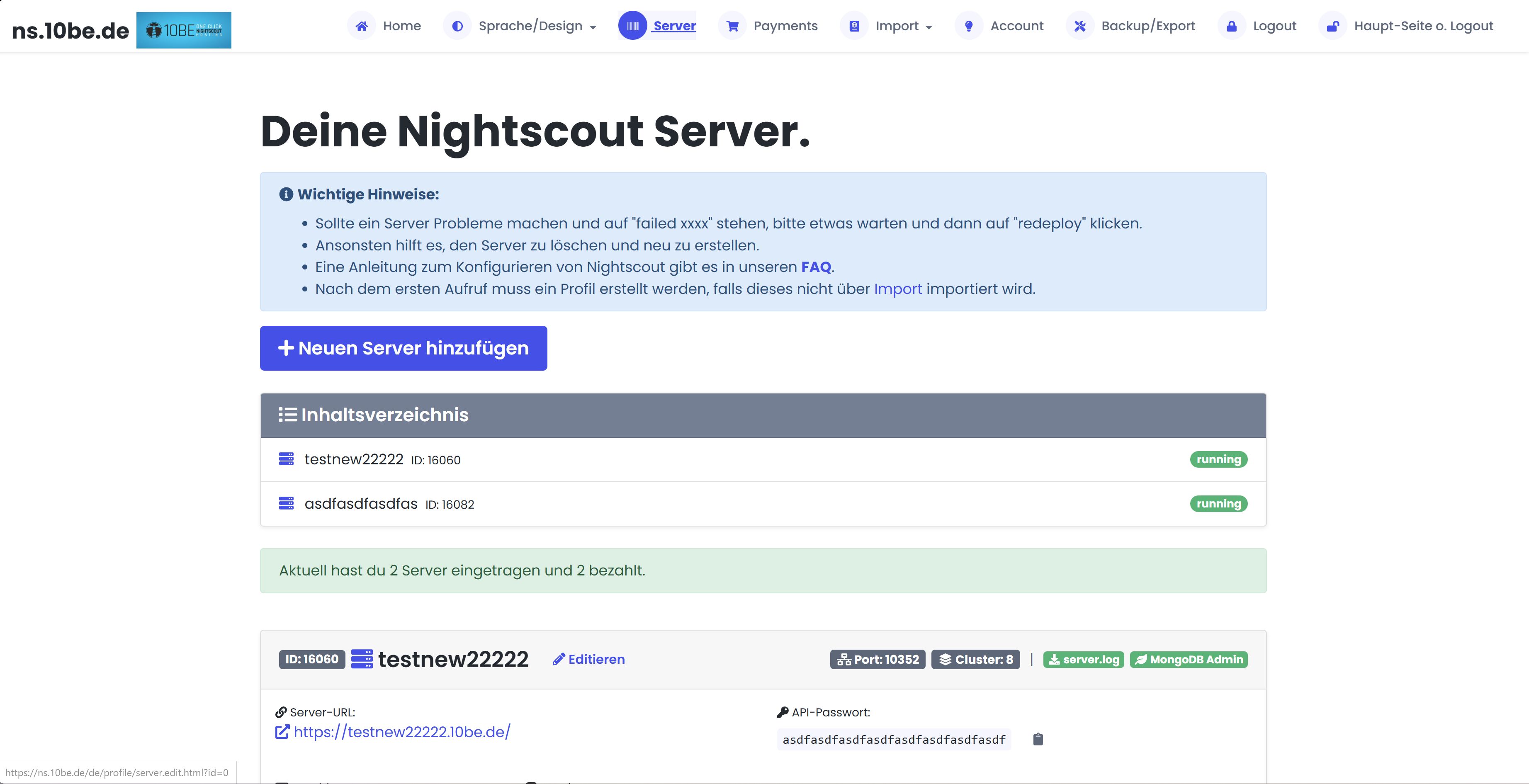
https://[your-name].ns.10be.de or https://[your-name].10be.de: both domains work, directly accessible via HTTPS, no port needed.
Server Configuration
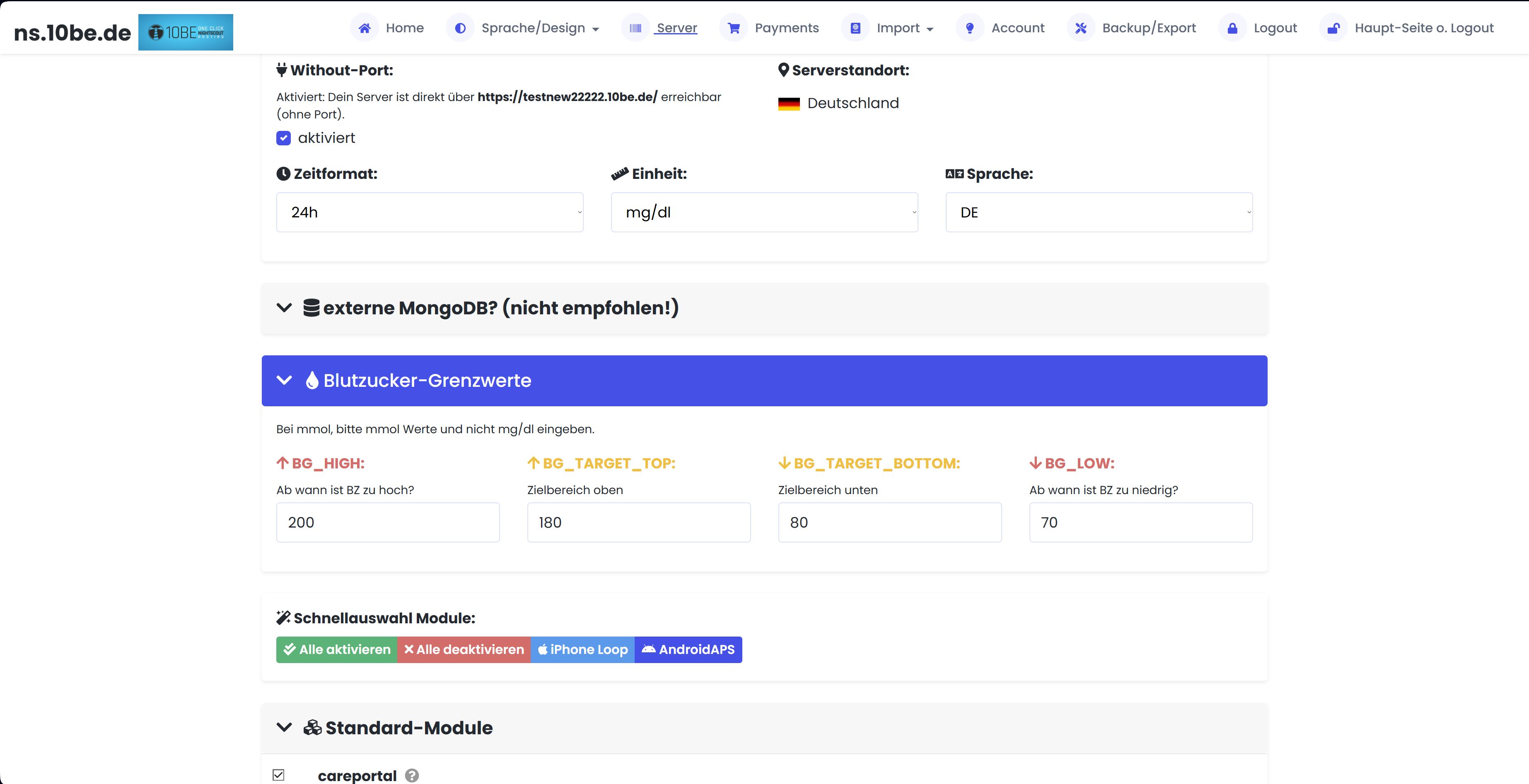
In the configuration you set everything Nightscout needs:
API Password & Nightscout Tokens
Set your API password (min. 12 characters). Create Admin Tokens (full access, e.g. for AAPS 3.2+) and Follower Tokens (read-only, e.g. for parents/partners) directly in the server overview.
Plugins & Features
Activate plugins like careportal, iob, cob, sage, cage, basal and many more, via checkbox.
Target Values & Units
mg/dl or mmol/l, target range, colour thresholds, all directly configurable.
Custom Variables
Set any Nightscout environment variables, for advanced configuration and custom adjustments.
Backups & Data Export
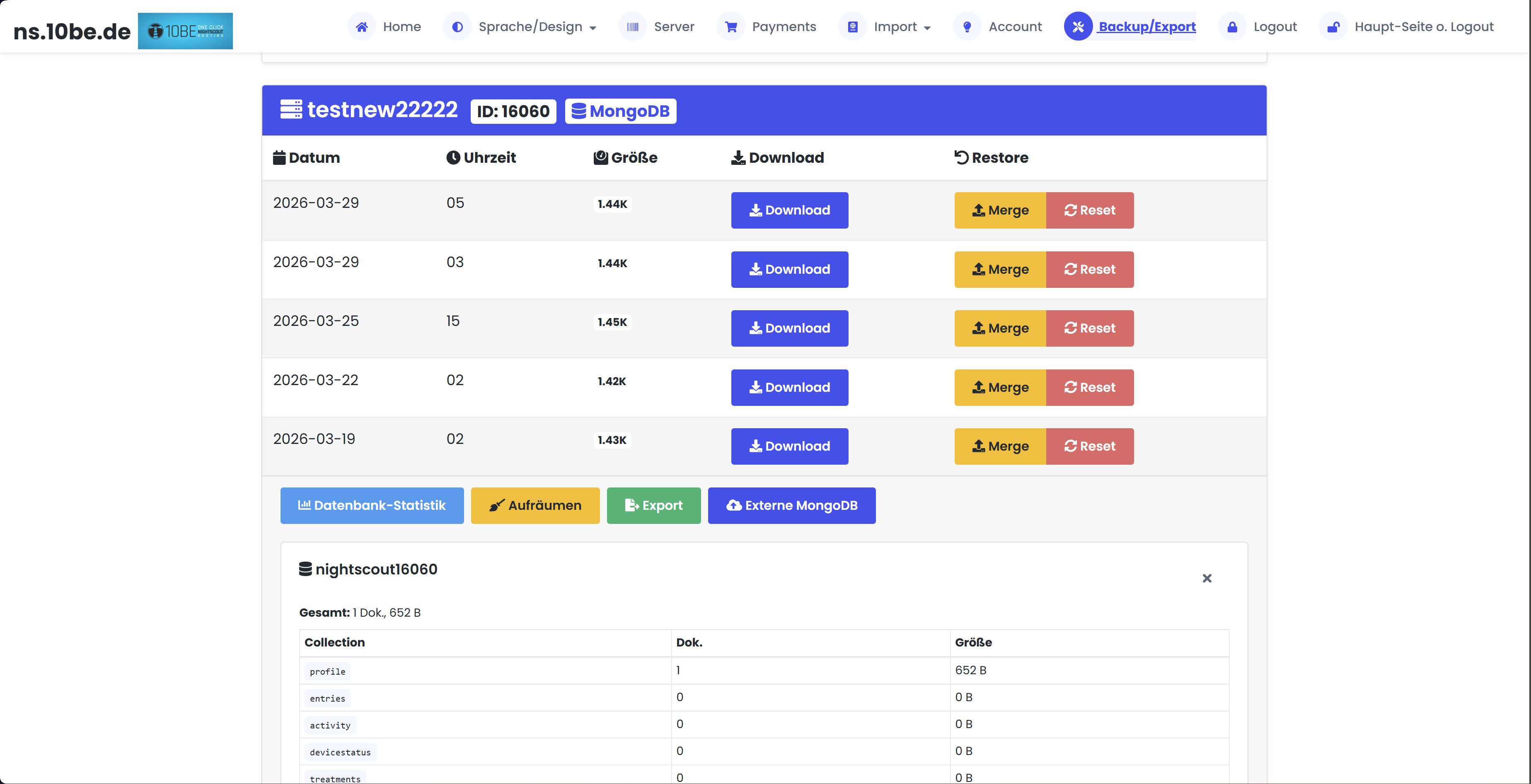
Your data belongs to you. In the backup section you can:
- Download automatic backups (every 4–6 hours)
- Restore a backup with one click (Merge or Reset)
- View database statistics and collections
- Export .env file with all configuration variables
Nightscout Data Import
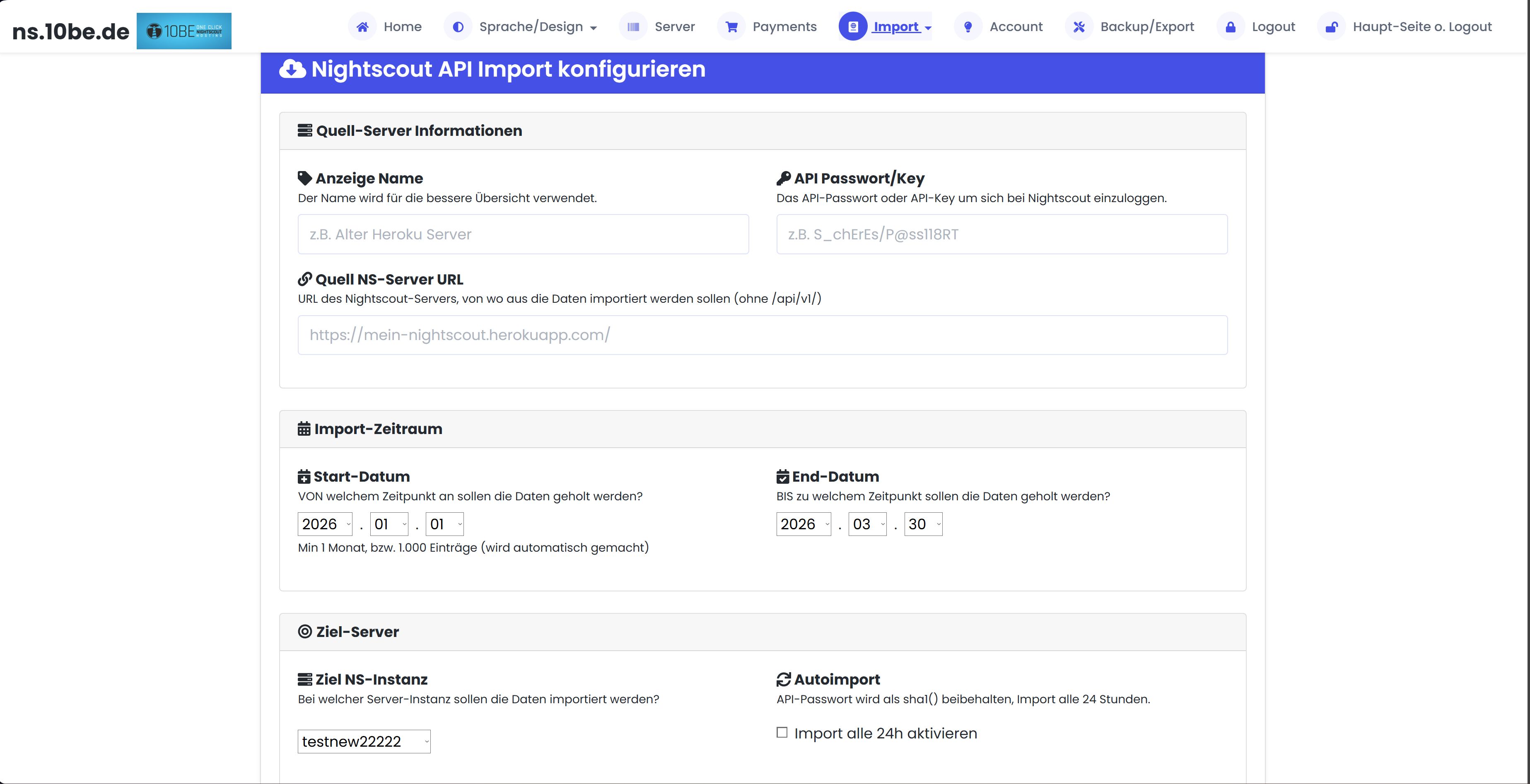
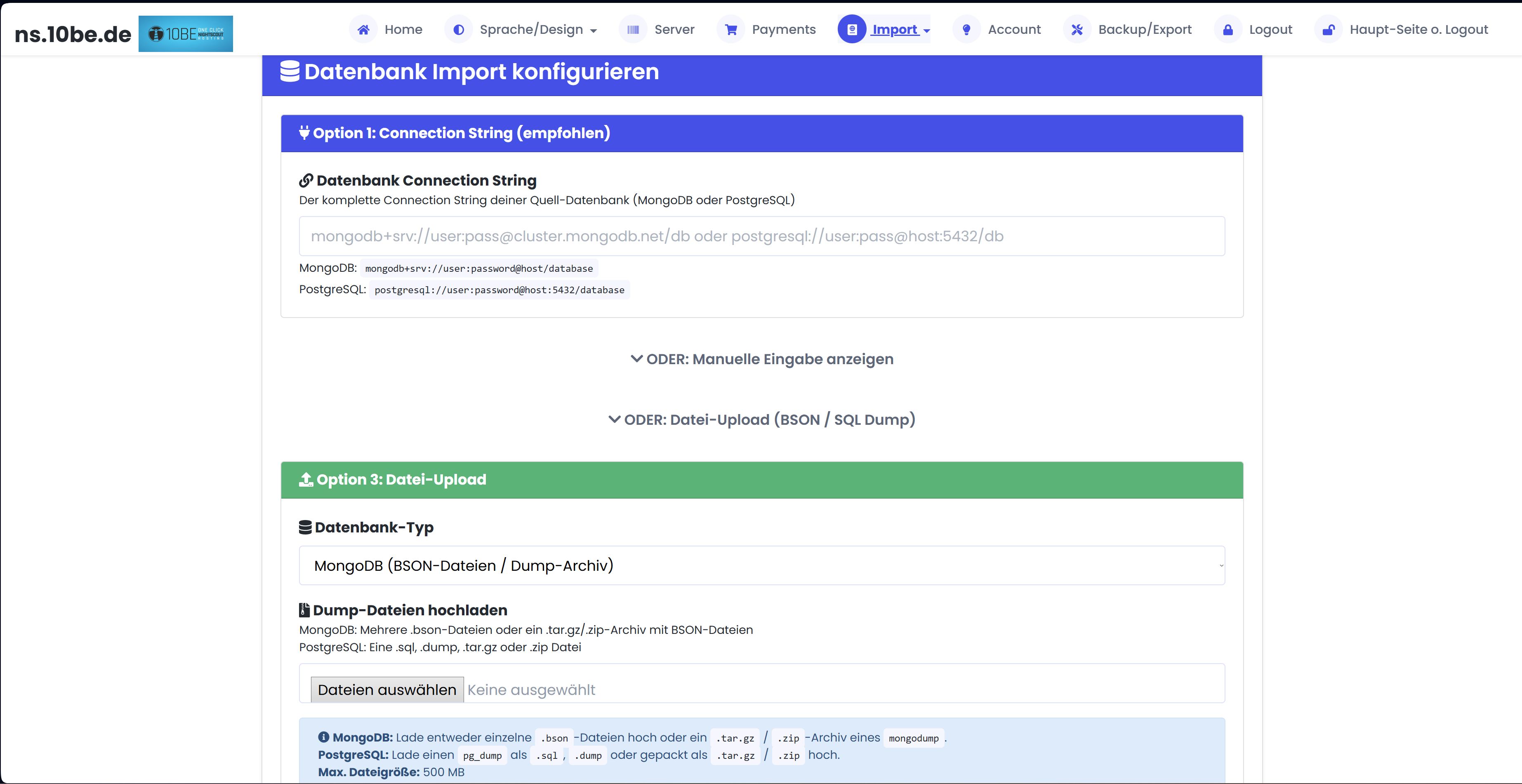
Switching from another Nightscout provider? The import section offers multiple options:
- API Import, transfer data directly from another Nightscout server
- MongoDB Import, migrate a complete database via connection string or file upload
- CSV Import, import Omnipod, Freestyle Libre (LibreView) and Dexcom Clarity data
API Import
MongoDB Import
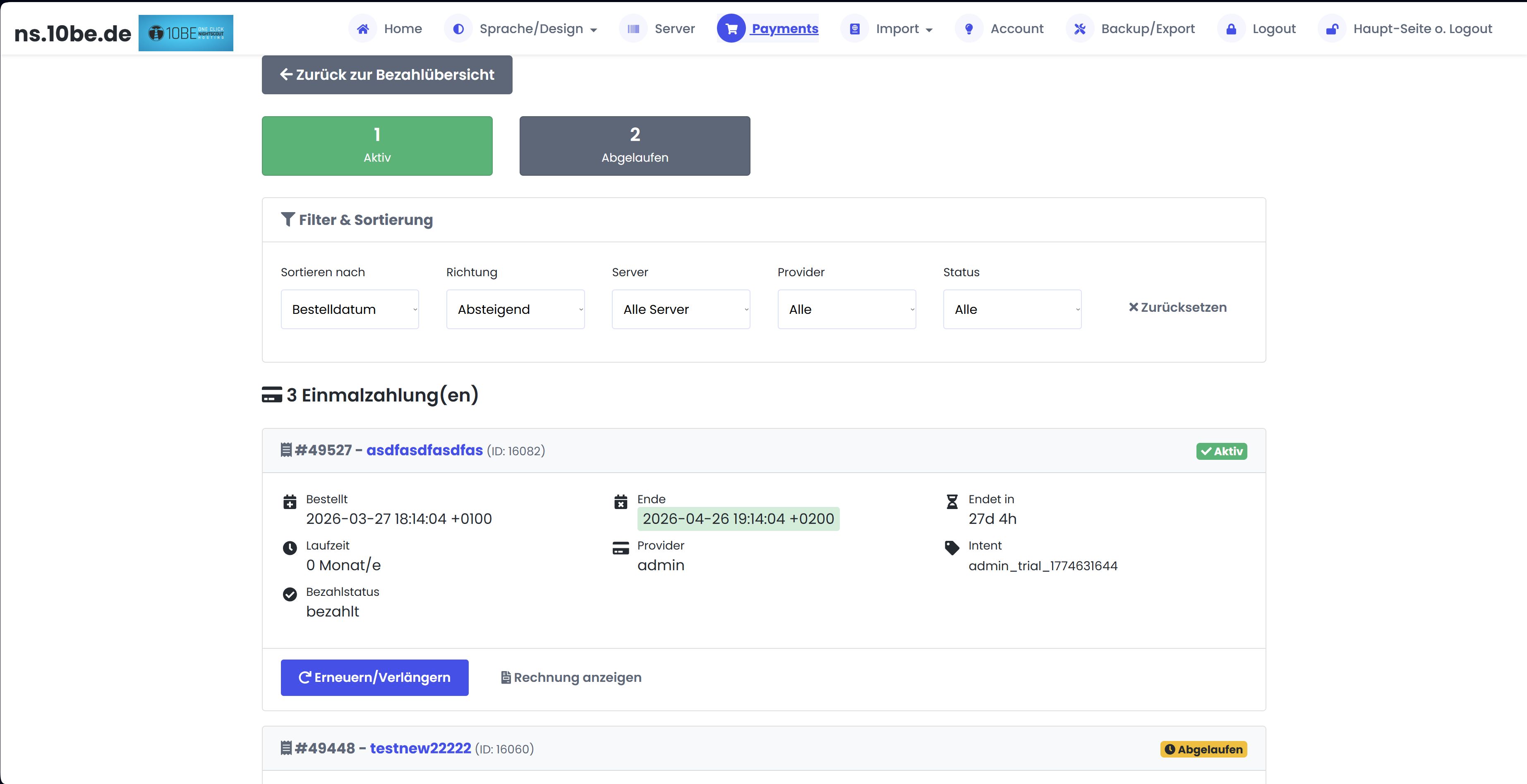
Payments & Subscriptions
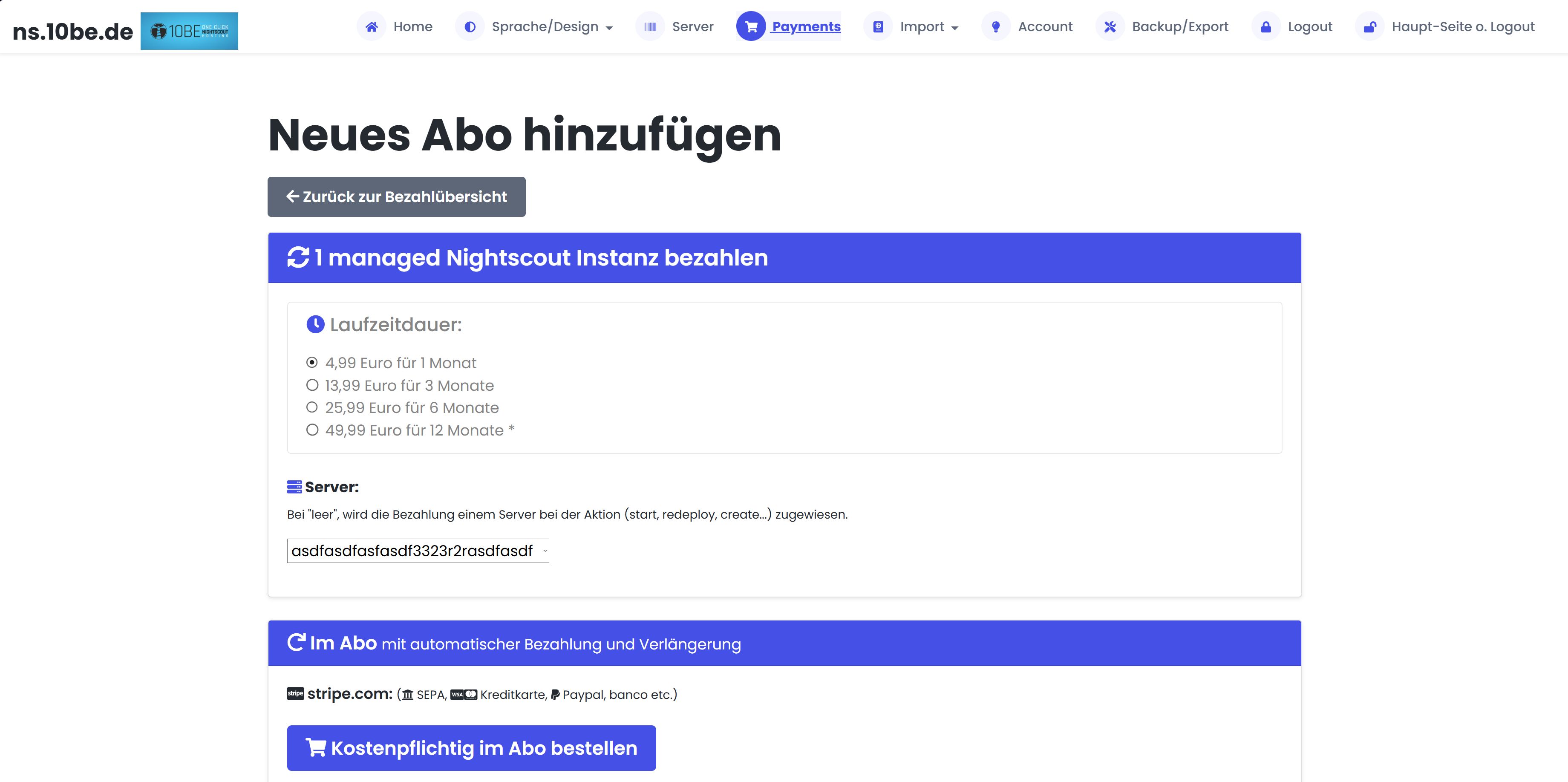
In the payment section you manage your subscriptions:
- Choose duration: 1, 3, 6 or 12 months
- Payment via Stripe (credit card, SEPA, Klarna) or PayPal
- Coupon code for 25 % discount from the 2nd server
- View invoices and payment history
Create new subscription
Payment overview
Convinced? Start your own Nightscout.
Registration free. Nightscout server in under 3 seconds. 3 days free trial.
Register for free Set up Nightscout